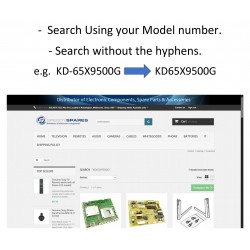

Reference: SEARCH HELP
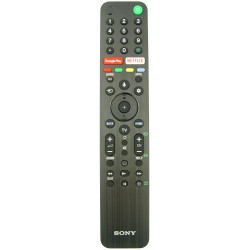
Reference: S0502591802
Brand: Sony
Reference: S0149317621
Brand: Sony
Reference: S0504850301
Brand: Sony
Reference: S0502591812
Brand: Sony
Reference: S0149332211
Brand: Sony
Reference: S0A5036913B
Brand: Sony
Reference: S0149355512
Brand: Sony
Banner

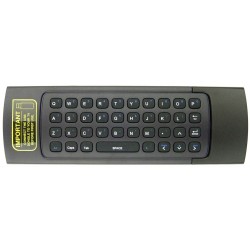
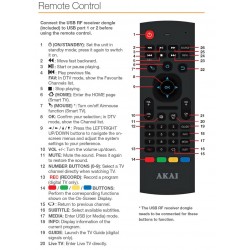
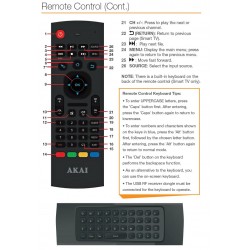

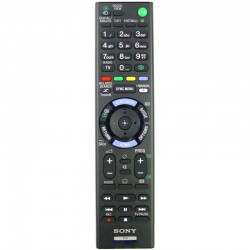
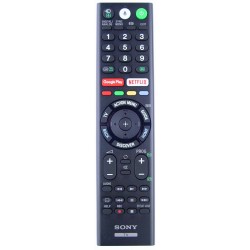
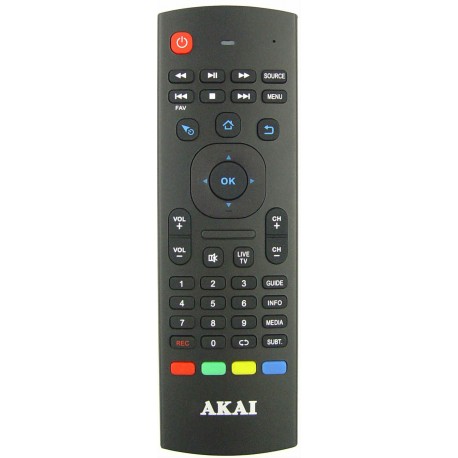
Pre-programmed, Pairing required.
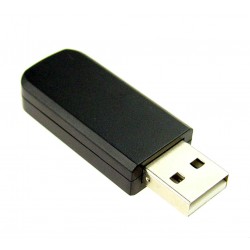
Includes USB dongle.
For TV model :
AK492017UHDS
AK5519UHDS
AK552017UHDS
AK5819UHDS
AK6519UHDS
AK7519UHDS
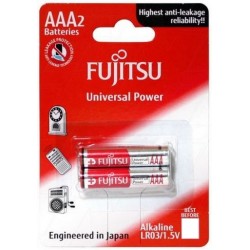
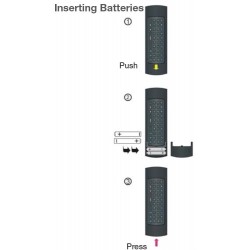
Battery required : AAA
The Airmouse function isn't working?
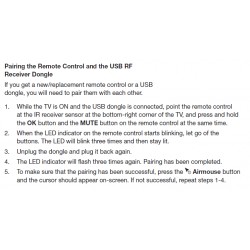
1. While the TV is ON and the USB dongle is connected, point the remote control
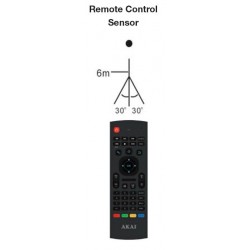
at the IR receiver sensor at the bottom-right corner of the TV, and press and hold
the OK button and the MUTE button on the remote control at the same time.
2. When the LED indicator on the remote control starts blinking, let go of the
buttons. The LED will blink three times and then stay lit.
3. Unplug the dongle and plug it back again.
4. The LED indicator will flash three times again. Pairing has been completed.
5. To make sure that the pairing has been successful, press the Airmouse button
and the cursor should appear on-screen. If not successful, repeat steps 1-4.
Need Help? Click Here

Your review appreciation cannot be sent
Report comment
Report sent
Your report cannot be sent
Write your review
Review sent
Your review cannot be sent
Reference: BATTERYAAA
check_circle
check_circle